Quick Answers
Is a 256GB SSD enough for a university student in Kenya?

By Joo, 6 years advising buyers at Joo Computers Ltd
Published 7 October 2026 · Updated 9 October 2026 · 3 min read
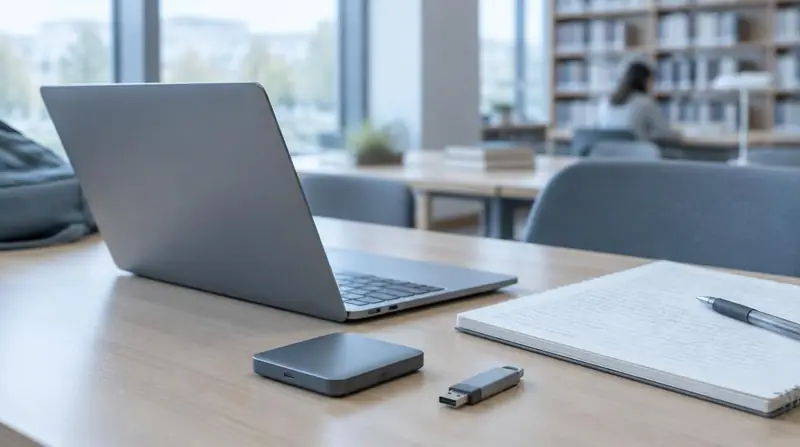
An SSD, or solid-state drive, is the storage inside your laptop. It holds Windows, your applications and your files, even when the laptop is switched off. For a student buying on a limited budget, 256GB can be a sensible starting point. The main question is what you need to keep on the laptop throughout the semester.
When 256GB is enough
For essays, spreadsheets, presentations, PDFs and online learning, 256GB usually works well. It can also handle introductory programming, provided you are not installing many large development tools or keeping big datasets.
You will not have the full advertised capacity available for your files. Windows, installed applications, recovery files and updates all take space, so avoid planning to fill the drive completely.
When to choose 512GB instead
A 512GB SSD gives you more breathing room if your course or hobbies involve large files. Check your department’s software requirements before buying: the course name alone does not tell you how much storage you need.
- Architecture or engineering work with large design files and several specialist applications.
- Video editing, large photo collections or downloaded lecture recordings.
- Gaming, where even a few titles can consume substantial space.
- Computing courses using virtual machines—separate computer environments stored on your laptop.
How to prioritise a student budget
If your laptop budget is around KSh 25,000–40,000, treat that as a planning range, not a guaranteed price or specification. For ordinary coursework, a sound 256GB laptop with a healthy battery and at least 8GB of RAM—the memory used by running applications—may be a better choice than a poorer-condition machine with 512GB.
An ex-UK or refurbished laptop can offer useful value, but battery wear, SSD health and warranty terms vary. Ask whether storage can be upgraded, what the total upgrade cost includes and whether opening the laptop affects the seller’s warranty. Do not assume there is a spare drive slot.
Making 256GB work through the semester
Keep roughly 15–20% of the drive free as a practical buffer for updates and temporary files. Remove unused applications and move older videos or completed projects to external storage.
Keep a second copy of important coursework on another device or a cloud service. Cloud storage can help, but uploading and downloading uses data; keep current assignments available offline if campus Wi-Fi or home internet is unreliable.
Frequently asked questions
Is 256GB enough for Windows and Microsoft Office?
Yes, it is generally enough for Windows, Office and normal coursework files. Large media collections, games and additional specialist applications are more likely to create storage pressure.
Should I choose 256GB with 8GB RAM or 512GB with 4GB RAM?
For everyday student work, prefer 8GB RAM if the laptops are otherwise comparable. It helps when running several applications or browser tabs, while extra storage alone will not fix limited working memory.
Can I upgrade an ex-UK laptop from 256GB later?
Often yes, but it depends on the exact model and compatible drive type. Confirm this before buying, and ask whether the quoted upgrade includes transferring Windows and your files.
Can I rely on free university cloud storage?
Check whether your university provides it, its storage limit and what happens to access after graduation. Keep essential files offline and maintain a separate backup rather than depending entirely on your student account.
Advice for your work or course
Joo Tech Finder is an educational initiative by Joo Computers Ltd. Browse all 61 guides.