Six numbers decide whether a laptop suits your work. Understand what each one does, and a spec sheet stops being intimidating.
Processor (CPU)
How fast single tasks finish.
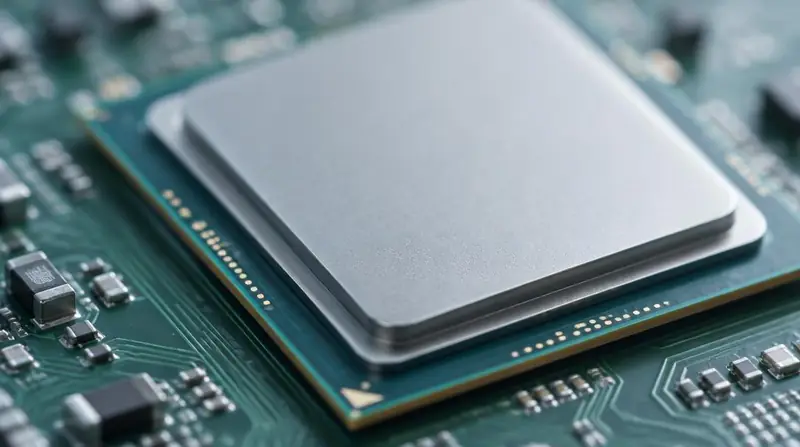
The processor sets the pace for almost everything: opening files, compiling code, recalculating a model. Generation matters as much as the i3 / i5 / i7 label — a recent i5 usually beats an older i7.
Ask the seller: Which generation is it, and how many cores?
Memory (RAM)
How much you can run at once.
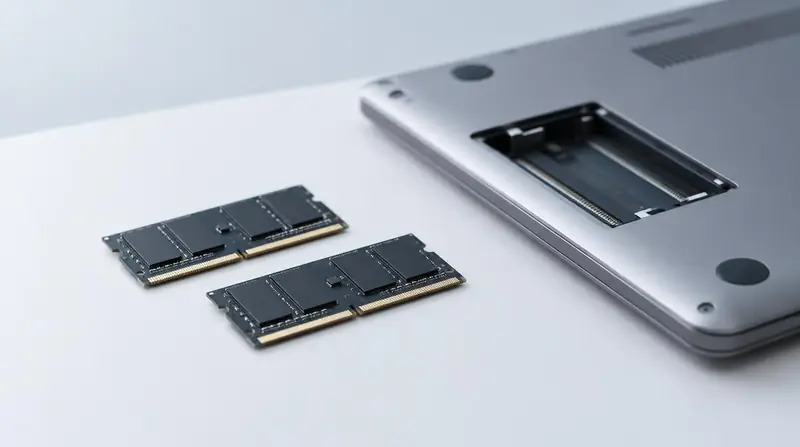
RAM is working space. 8GB copes with browsing, documents and light study. 16GB is the realistic floor for CAD, video editing, virtual machines and containerised development. 32GB is for large models and heavy multitasking.
Ask the seller: Is it upgradeable, or soldered to the board?
Storage
How quickly the machine feels.
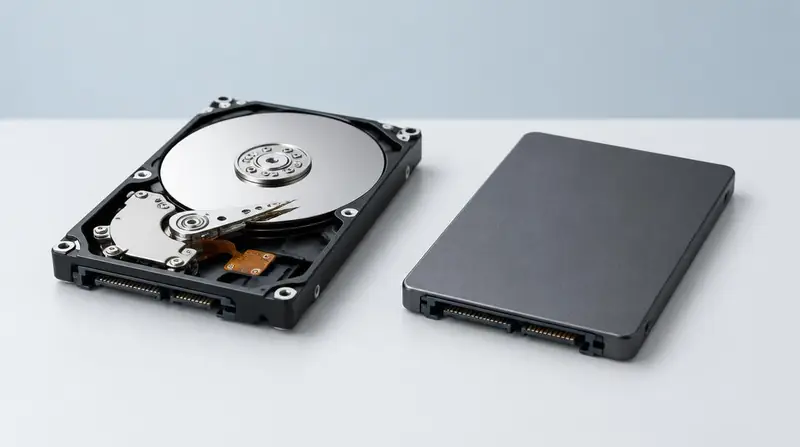
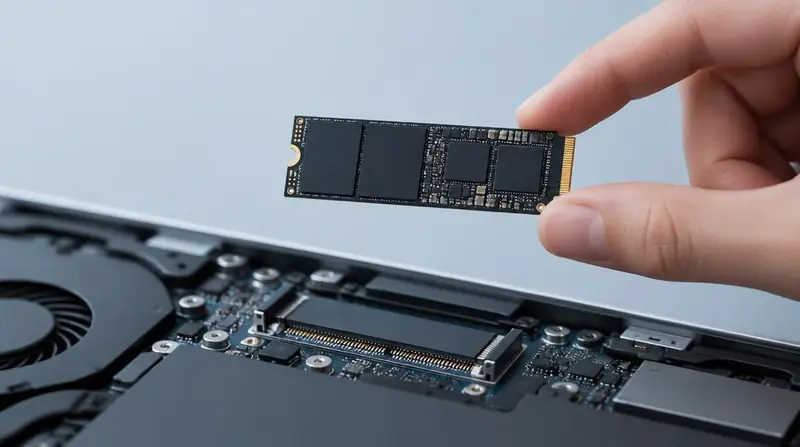
An SSD is the single biggest upgrade in day-to-day responsiveness. NVMe SSDs are faster again, which matters when moving large project files. Avoid mechanical hard disks as the only drive.
Ask the seller: Is it NVMe, SATA SSD, or a hard disk — and what capacity?
Graphics (GPU)
Only some workloads need one.
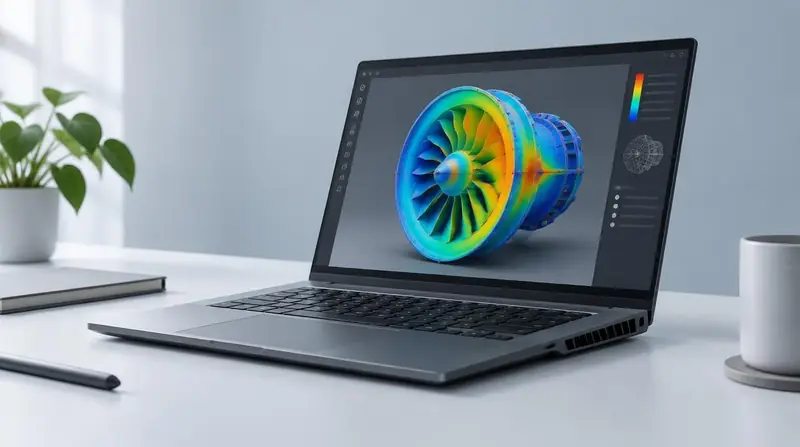
Integrated graphics handle office work, browsing and most coding comfortably. A dedicated GPU pays for itself in 3D modelling, rendering, video editing, gaming and machine learning — and costs you battery life everywhere else.
Ask the seller: Integrated or dedicated, and how much video memory?
Display
What you stare at all day.
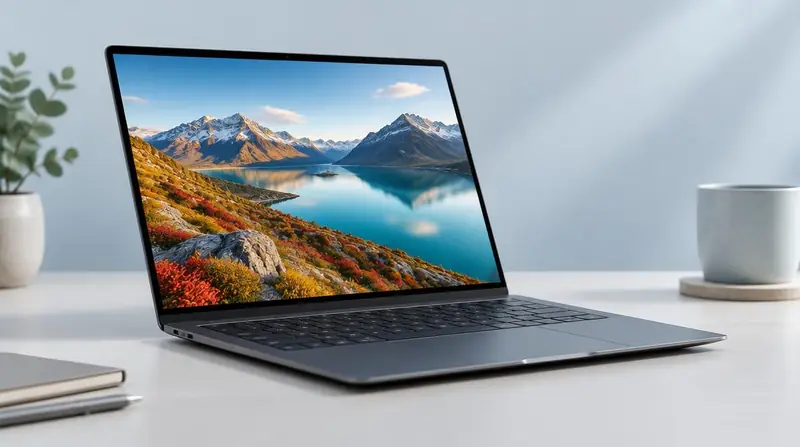
Resolution, panel type and brightness matter more than screen size. A 14-inch full-HD IPS panel beats a dim 15.6-inch low-resolution screen for both comfort and colour accuracy.
Ask the seller: What resolution and panel type, and how bright is it?
Battery
How far you get from a socket.
Manufacturer claims are measured in ideal conditions. On a used machine, current health matters far more than the original rating — ask for the full-charge capacity against the design capacity.
Ask the seller: What is the battery health percentage today?