Specifications
Why CPU Generation Matters

By Joo, 6 years advising buyers at Joo Computers Ltd
Published 5 February 2025 · Updated 27 February 2025 · 5 min read
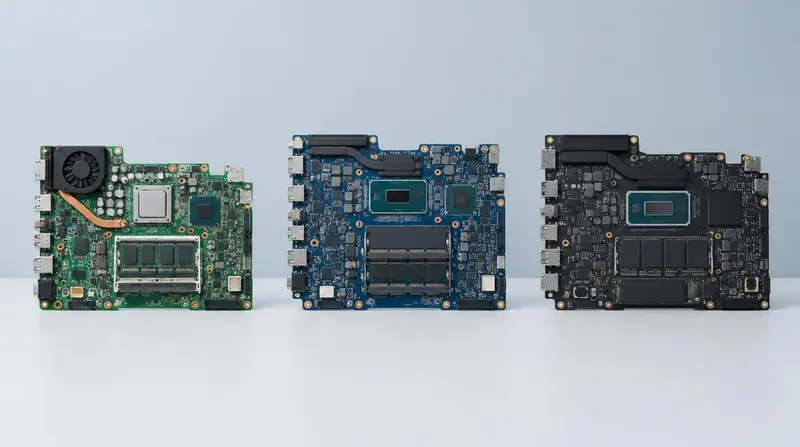
Processor generation is the most commonly ignored specification in the second-hand market, and the one that most reliably predicts how long a machine stays useful.
Reading the model number
An Intel model such as i5-1240P belongs to the 12th generation; i5-8250U belongs to the 8th. For AMD, Ryzen 5 7530U indicates a 7000-series part. The leading digits after the tier name carry the generation.
Always ask for the full model number. 'Core i5' on its own is not a specification.
What newer generations bring
- More performance per watt, which translates directly into battery life.
- Better integrated graphics, often removing the need for a dedicated GPU in light work.
- Support for faster memory and NVMe storage standards.
- Longer remaining support for operating system and security updates.
How old is too old
As a practical rule for buying today, aim for 8th generation Intel or Ryzen 3000 series as an absolute floor, and 11th generation or newer for a machine you expect to keep for three or more years.
Frequently asked questions
How do I check the generation on a machine in the shop?
Open system settings or system information and read the full processor name. Compare it with the seller's listing before paying.
Read next
Specifications
Core i3 vs i5 vs i7
Buying Guides
Laptop Buying Mistakes
Refurbished Education
New vs Refurbished Laptops
Joo Tech Finder is an educational initiative by Joo Computers Ltd. Browse all 61 guides.