Maintenance & Care
Laptop Maintenance Basics

By Joo, 6 years advising buyers at Joo Computers Ltd
Published 26 February 2025 · Updated 8 March 2025 · 4 min read
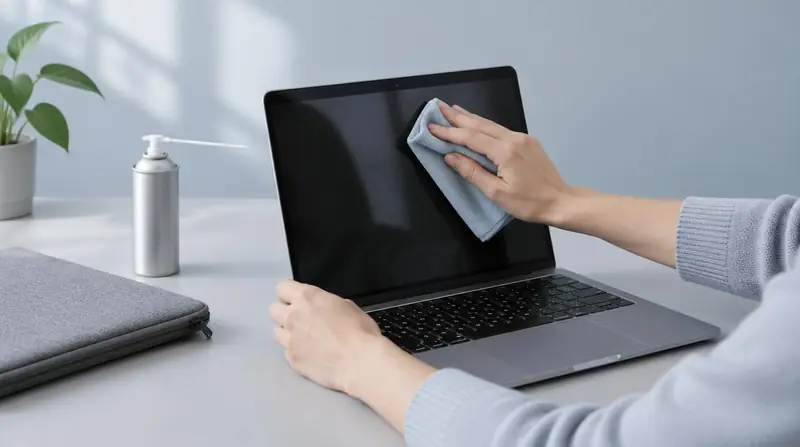
Most laptops fail early for preventable reasons: heat, dust, physical stress on ports, and neglected storage. A small routine keeps a machine healthy for years.
Heat and dust
Keep vents clear and avoid using the laptop on beds and sofas that block airflow. Have the fans and heatsink cleaned periodically, particularly in dusty environments.
Storage and software hygiene
- Keep at least 15 percent of the SSD free so it can manage itself efficiently.
- Install operating system and security updates promptly.
- Back up important work to cloud or external storage on a schedule.
Physical care
Carry the machine in a padded sleeve, lift it by the base rather than the screen, and avoid tugging cables sideways out of ports — damaged charging ports are one of the most common repairs.
Read next
Advice for your work or course
Joo Tech Finder is an educational initiative by Joo Computers Ltd. Browse all 61 guides.