Buying Guides
What Makes a Good Engineering Laptop?

By Joo, 6 years advising buyers at Joo Computers Ltd
Published 16 February 2025 · Updated 6 March 2025 · 6 min read
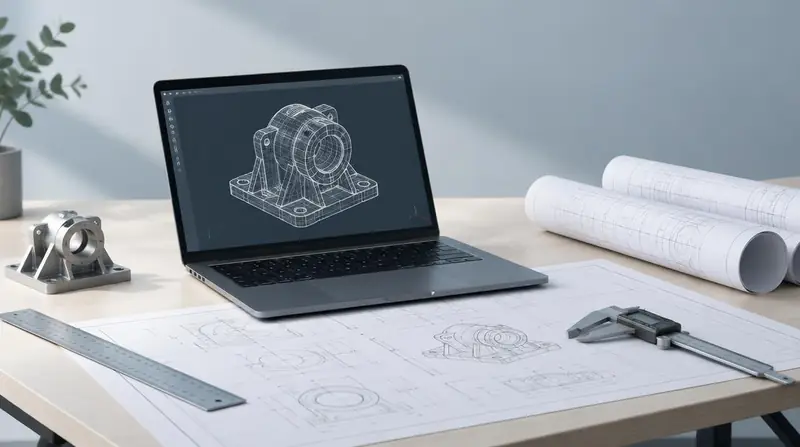
Engineering software punishes weak machines in specific ways: long model loads, laggy viewport navigation and failed renders. The specification has to match the software, not the course title.
What engineering software demands
Most CAD applications rely heavily on single-core performance for modelling operations, then use multiple cores for rendering and analysis. Strong single-core speed is therefore non-negotiable.
Memory is the second constraint. Large assemblies, BIM models and point clouds consume RAM quickly, and 16 GB is a floor rather than a target for serious work.
Graphics for engineering
A dedicated GPU with at least 4 GB of VRAM makes 3D viewport work usable; 6–8 GB is comfortable for Revit, Civil 3D and SolidWorks. Some vendors certify specific professional GPUs — check whether your employer or faculty requires this.
Practical realities
- Expect a 15–16 inch chassis and 2 kg or more; thin machines throttle under sustained load.
- Budget for good cooling — sustained performance matters more than peak numbers.
- Plan for an external display; engineering work benefits enormously from screen space.
- Battery life will be modest when the GPU is active. Plan around power access.
Frequently asked questions
Can an engineering student start with integrated graphics?
For first-year 2D drafting, often yes. Before 3D modelling and rendering modules begin, a dedicated GPU becomes important.
Read next
Advice for your work or course
Joo Tech Finder is an educational initiative by Joo Computers Ltd. Browse all 61 guides.