Specifications
Integrated vs Dedicated Graphics

By Joo, 6 years advising buyers at Joo Computers Ltd
Published 30 January 2025 · Updated 3 March 2025 · 6 min read
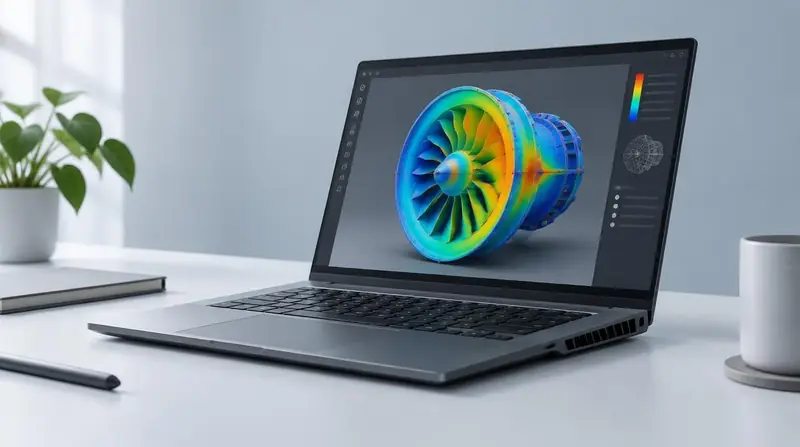
Graphics is where buyers most often overspend — and occasionally where they dangerously underspend. The answer depends entirely on your software.
What integrated graphics can do
Modern integrated graphics handle multiple displays, video playback, web design, photo editing, light 2D CAD and everyday work comfortably. For office, study and most programming, they are sufficient.
When you genuinely need a dedicated GPU
- 3D modelling and rendering: Revit, SolidWorks, Blender, 3ds Max, Civil 3D with heavy models.
- Video editing and motion graphics: Premiere Pro, After Effects, DaVinci Resolve.
- Gaming at reasonable settings.
- Machine learning training and GPU-accelerated computation.
- GIS work with large raster datasets and 3D scenes.
How much VRAM
4 GB is an entry point for light 3D and 1080p editing. 6–8 GB suits most professional CAD, editing and gaming work. 12 GB and above serves heavy 3D, 4K editing and machine learning.
The costs of a dedicated GPU
Dedicated graphics add weight, heat, fan noise and price, and they shorten battery life significantly. If your software does not use the GPU, that is money spent on a worse daily experience.
Frequently asked questions
Do programmers need a dedicated GPU?
Generally no, unless working on game development, graphics programming or machine learning training. RAM and CPU matter far more.
Does AutoCAD need a dedicated GPU?
2D drafting runs acceptably on integrated graphics. 3D work in AutoCAD, Civil 3D or Revit benefits substantially from a dedicated GPU.
Read next
Buying Guides
What Makes a Good Engineering Laptop?
Buying Guides
What Makes a Good Video Editing Laptop?
Buying Guides
How to Choose a Laptop
Advice for your work or course
Joo Tech Finder is an educational initiative by Joo Computers Ltd. Browse all 61 guides.