Buying Guides
How to Choose a Laptop

By Joo, 6 years advising buyers at Joo Computers Ltd
Published 18 January 2025 · Updated 20 February 2025 · 7 min read
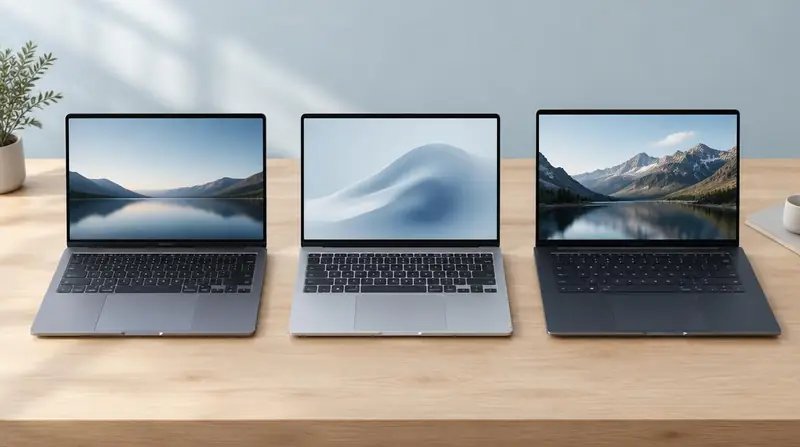
Choosing is a filtering exercise. Each answer removes options until only a handful of machines remain. Work through the filters in this order and the shortlist builds itself.
Filter one: the heaviest application
Your heaviest application sets the floor for processor and memory. Office suites and browsers set a low floor; SolidWorks, Premiere Pro and virtual machines set a high one.
Filter two: how you carry it
A 13–14 inch machine under 1.5 kg suits daily commuting and lecture halls. A 15–17 inch machine suits a desk, a studio or a site office where you rarely move it.
Portability costs performance per shilling. Be honest about how often you actually carry the laptop.
Filter three: power availability
If you spend hours away from a socket, prioritise battery capacity and an efficient processor, and accept less graphics power. If you work at a desk, battery matters far less than thermals.
Filter four: service life and resale
Ask how long the machine must last. A three-year horizon justifies more RAM and storage today, because both are what age worst. Business-class models also hold resale value better and have widely available spare parts locally.
Frequently asked questions
Is brand the most important factor?
No. Within the same price band, the configuration and condition matter more. Brand mainly affects spare part availability, build quality of the specific line, and service support.
Should I buy more RAM or a faster processor?
For most users, more RAM. Running out of memory causes visible stalling; a slightly slower processor rarely does.
Read next
Specifications
How Much RAM Do I Need?
Specifications
SSD vs HDD
Specifications
Core i3 vs i5 vs i7
Buying Guides
How to Buy a Laptop in Kenya
Advice for your work or course
Joo Tech Finder is an educational initiative by Joo Computers Ltd. Browse all 61 guides.