Specifications
Laptop Display Guide

By Joo, 6 years advising buyers at Joo Computers Ltd
Published 10 February 2025 · Updated 1 March 2025 · 5 min read
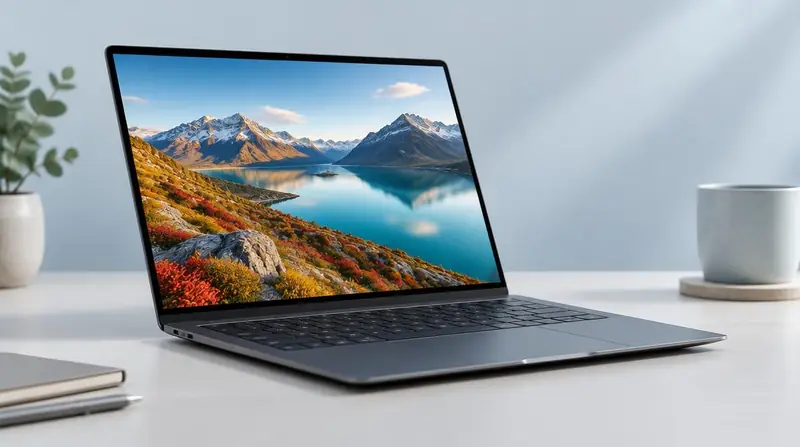
You look at the screen every working hour. It deserves more attention than it usually gets, and the right choice depends on whether you are reading, drawing or grading colour.
Size and resolution
13–14 inches suits daily carrying. 15–16 inches is the comfortable standard for extended desk work and CAD. 17 inches is a desk-bound choice for editing and engineering.
Full HD (1920×1080) is the practical minimum. Higher resolutions help with detailed CAD and photo work but consume more battery.
Panel type and brightness
IPS panels give consistent colour and wide viewing angles and should be the default. Avoid older TN panels where colours shift as you move.
300 nits of brightness is comfortable indoors; 400 nits or more helps near windows and outdoors. Matte finishes reduce glare in bright rooms.
Colour accuracy
Designers, photographers, video editors and anyone producing work for print or screen delivery should look for full sRGB coverage, and wider gamuts for professional colour work. For everyone else, this is not worth paying extra for.
Read next
Advice for your work or course
Joo Tech Finder is an educational initiative by Joo Computers Ltd. Browse all 61 guides.