Buying Guides
What Makes a Good Video Editing Laptop?

By Joo, 6 years advising buyers at Joo Computers Ltd
Published 20 February 2025 · Updated 7 March 2025 · 6 min read
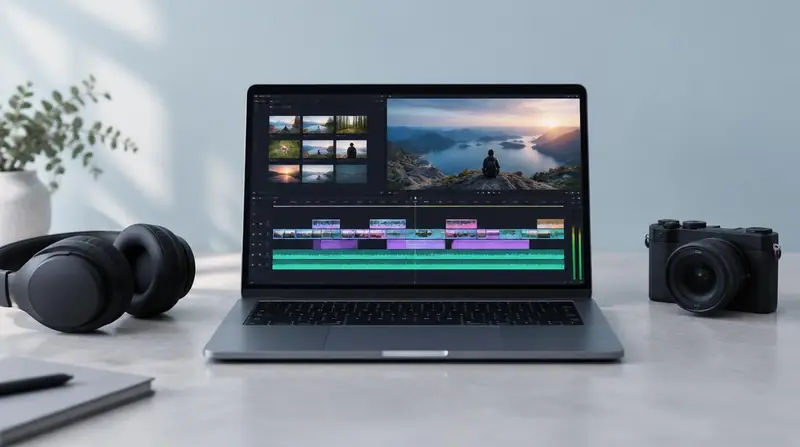
Editing is one of the few workloads that stresses every component at once. Getting the balance wrong in any one area creates a bottleneck you feel on every timeline.
The four pillars
- Processor: a strong multi-core chip for encoding and effects.
- Memory: 16 GB minimum for 1080p work, 32 GB for 4K and heavy After Effects compositions.
- Graphics: a dedicated GPU with 6–8 GB of VRAM accelerates playback, effects and export in Premiere Pro and DaVinci Resolve.
- Storage: a fast NVMe SSD for the operating system and active projects, plus external storage for archives.
Display and colour
Full sRGB coverage is the baseline for delivery work; wider gamuts matter for grading. A 15–16 inch panel gives room for timeline, preview and panels without constant window juggling.
Thermals and power
Sustained export loads generate heat. A thicker chassis with proper cooling delivers more consistent render times than a thin machine with similar paper specifications, which throttles.
Read next
Advice for your work or course
Joo Tech Finder is an educational initiative by Joo Computers Ltd. Browse all 61 guides.